AUTO*
1 -> 3 kHz -> 6 kHz -> 15 kHz -> AUTO .....
*1: The AUTO selection mode selects the optimum bandwidth of the Roofing filter for the reception mode.
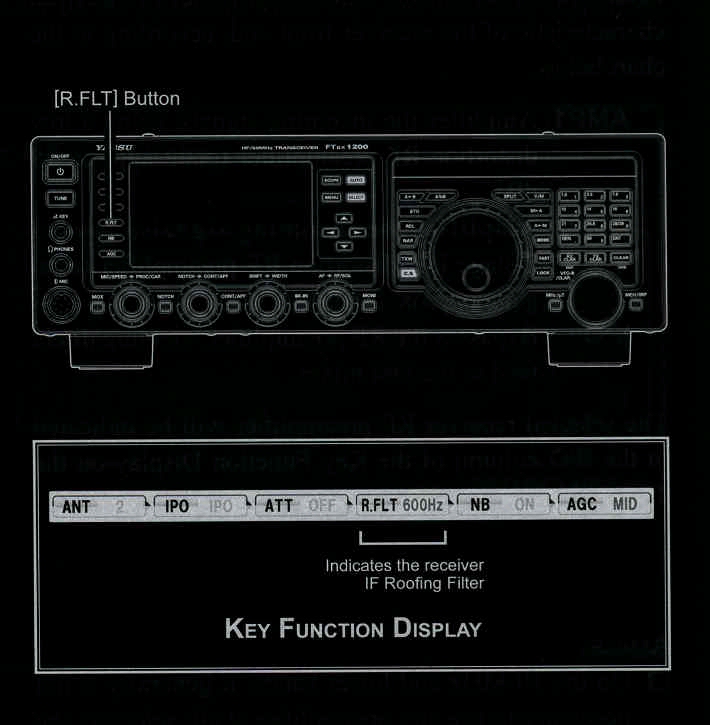
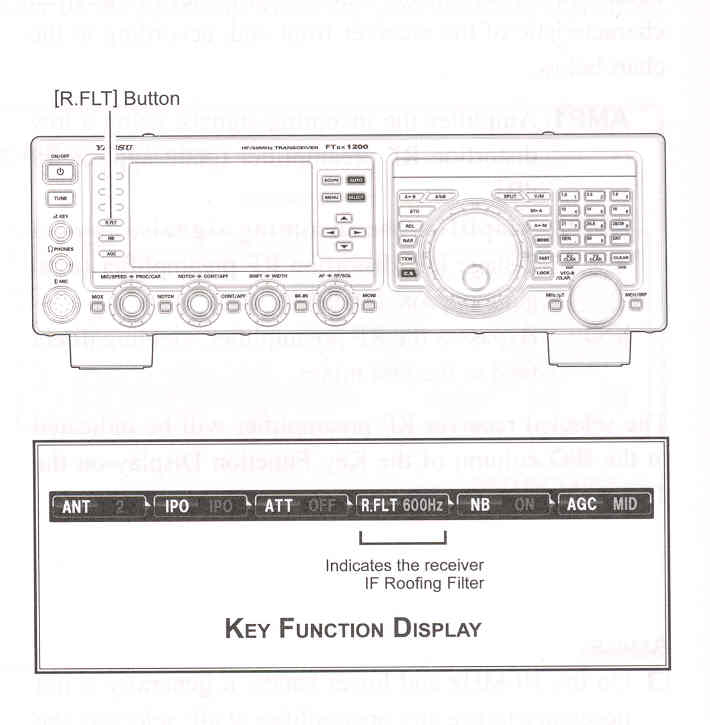
In this case, the selected bandwidth in the R.FLT column of the Key Function Display glows green (Normally glows blue).
ADVICE:
QUICK POINT:
TERMINOLOGY:
The "AUTO" selection of the Roofing Filter is based on the operating mode. However, you may override the automatic selection, if band conditions warrant a different (usually a tighter) selection
A "Roofing Filter," as its name implies, places a 'Roof' over the receiver IF system bandwidth. Starting at the first mixer, the Roofing filter protects the circuitry downstream from strong signals, just as a roof on a house protects the contents from rain and snow.